Cisco AI Assistant
I designed a direction for Cisco’s first AI assistant: one that understands what is already on screen, so IT teams do not have to explain the context before asking for help.
I was one of five designers on the exploration. After three weeks, my direction was selected for the team to build on.
IT teams had more data than they could act on
IT and security teams work across devices, applications, networks, and policy systems. The information they need is there, but finding it often means searching across tools, reading documentation, and interpreting the data by hand.
Research with Cisco specialists surfaced four recurring costs: too many signals competing for attention, manual analysis before action, evidence scattered across views, and policy answers buried in technical documentation.
What could AI do inside the workflow?
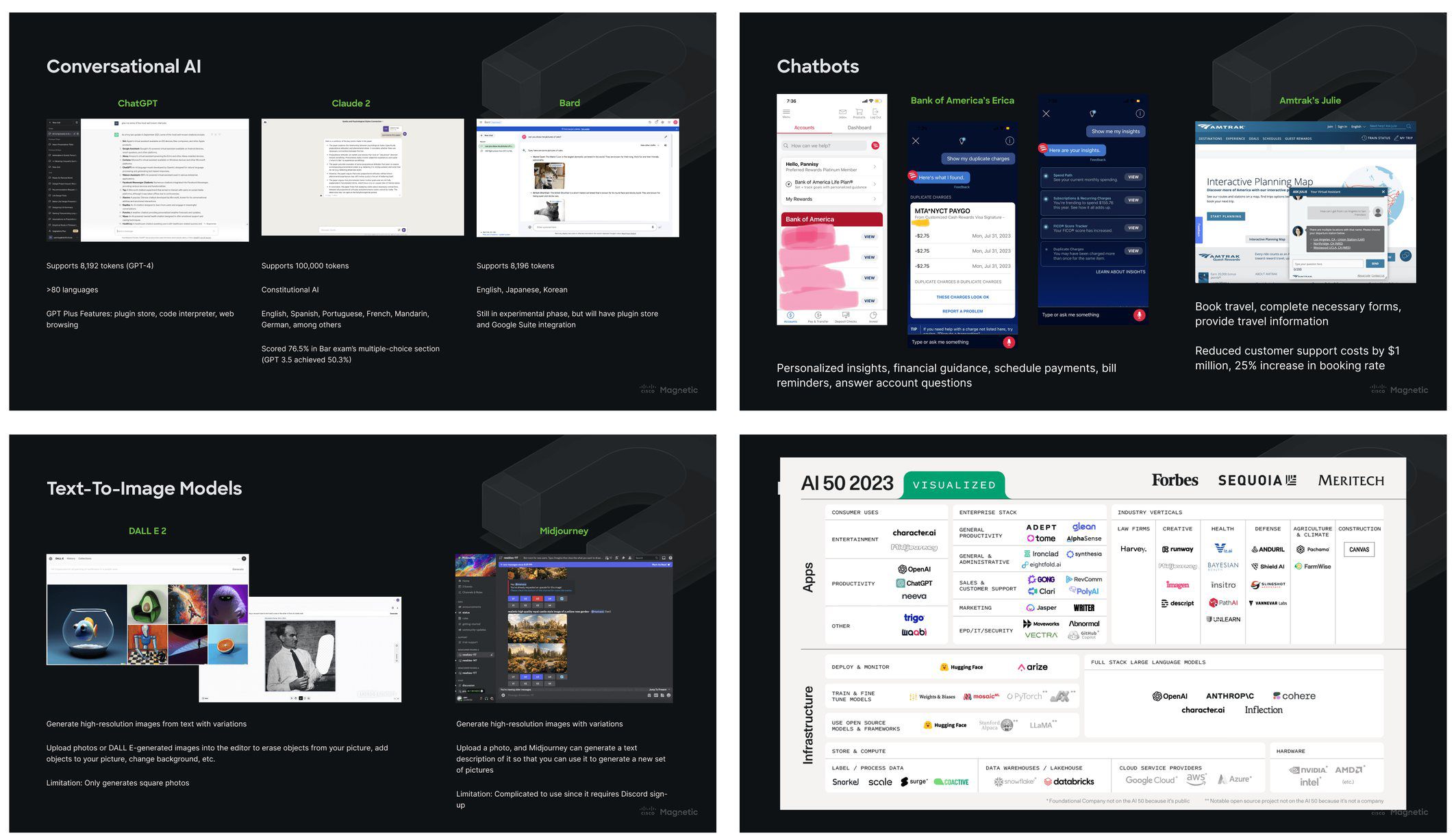
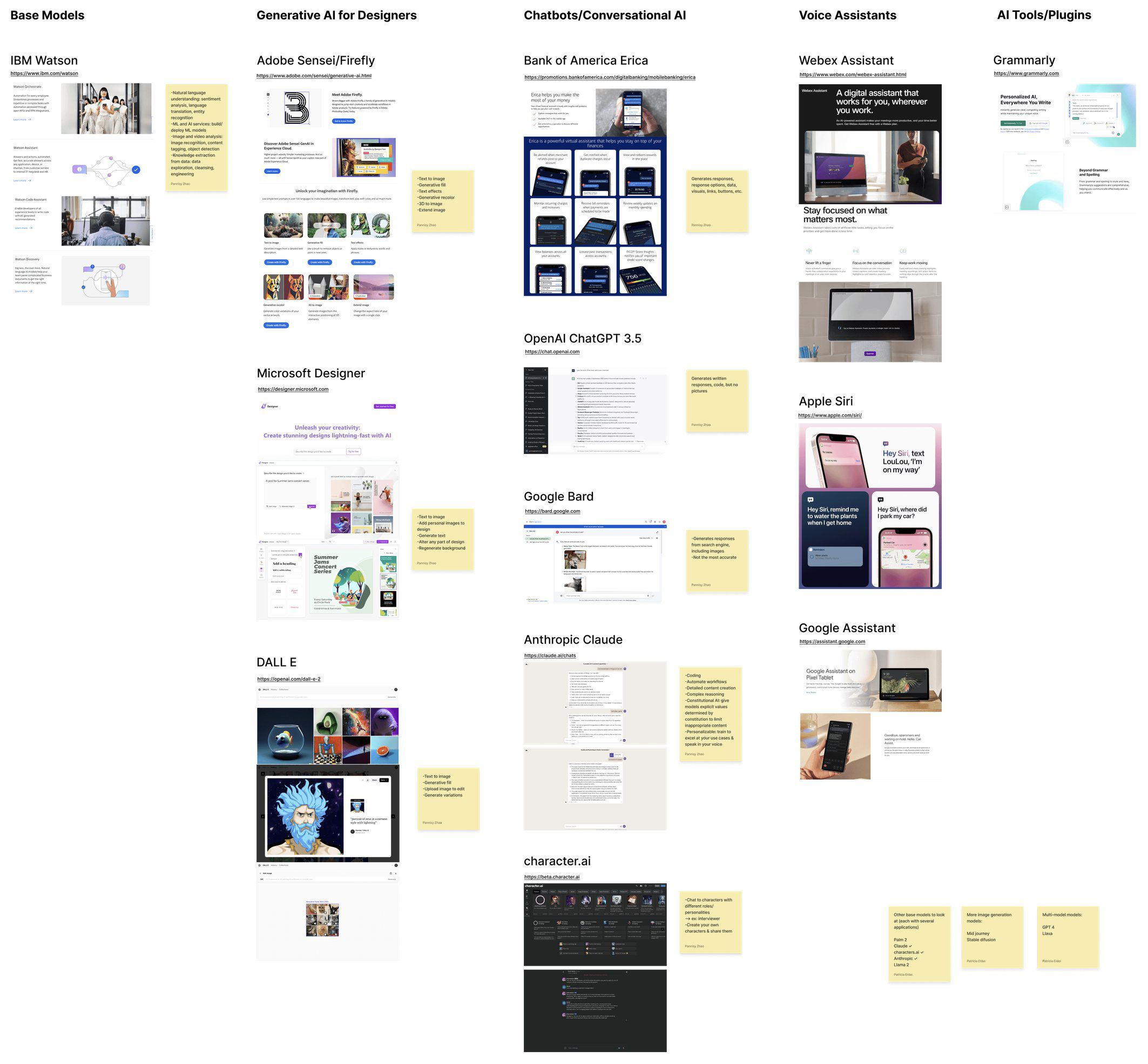
In 2023, conversational AI patterns had not settled. Drawing on my AI background, I mapped the models and products shaping the space and aligned the team around a better question than “where can we add chat?”: what can AI do inside an IT workflow that existing tools cannot?
With two weeks before the workshop and no budget for a net-new surface, I focused on four decisions: entry point, triggers, compact and focused states, and a visual language that still felt like Cisco.
A chatbot still made users do the hard part
A standalone chat panel still asked users to stop working, describe what they were seeing, and trust an answer detached from its source. Customer-service bots had also trained them to expect generic dead ends.
I could not design hallucinations away, but I could reduce the burden on the prompt: let users select the chart or card in question and keep the answer beside its source. That became Immersive AI.
AI should meet users inside the workflow
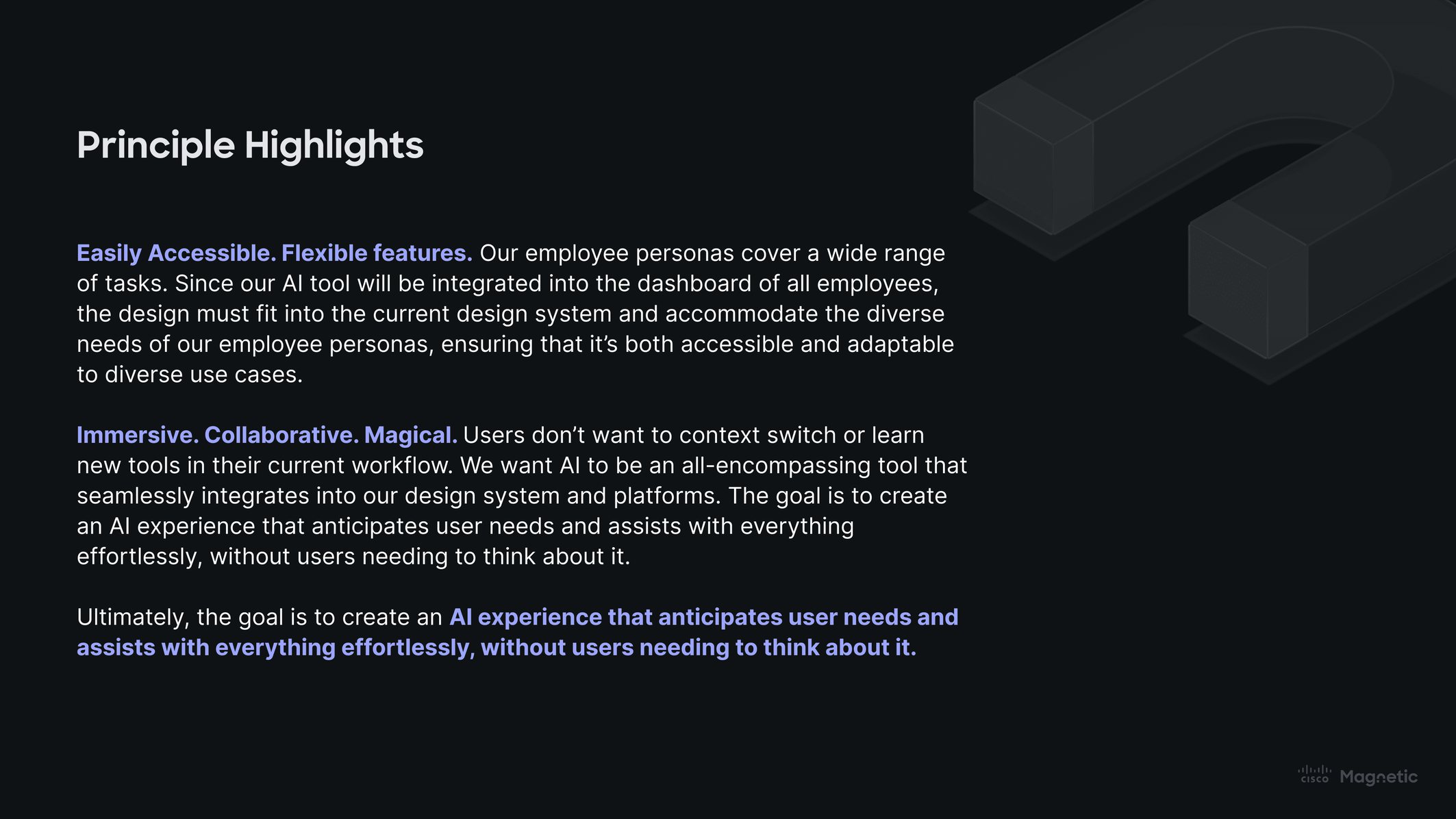
Cisco cybersecurity specialists gave us two principles: make the assistant available without making it intrusive, and let it work with the page before asking users to restate it.
One assistant, three ways into it
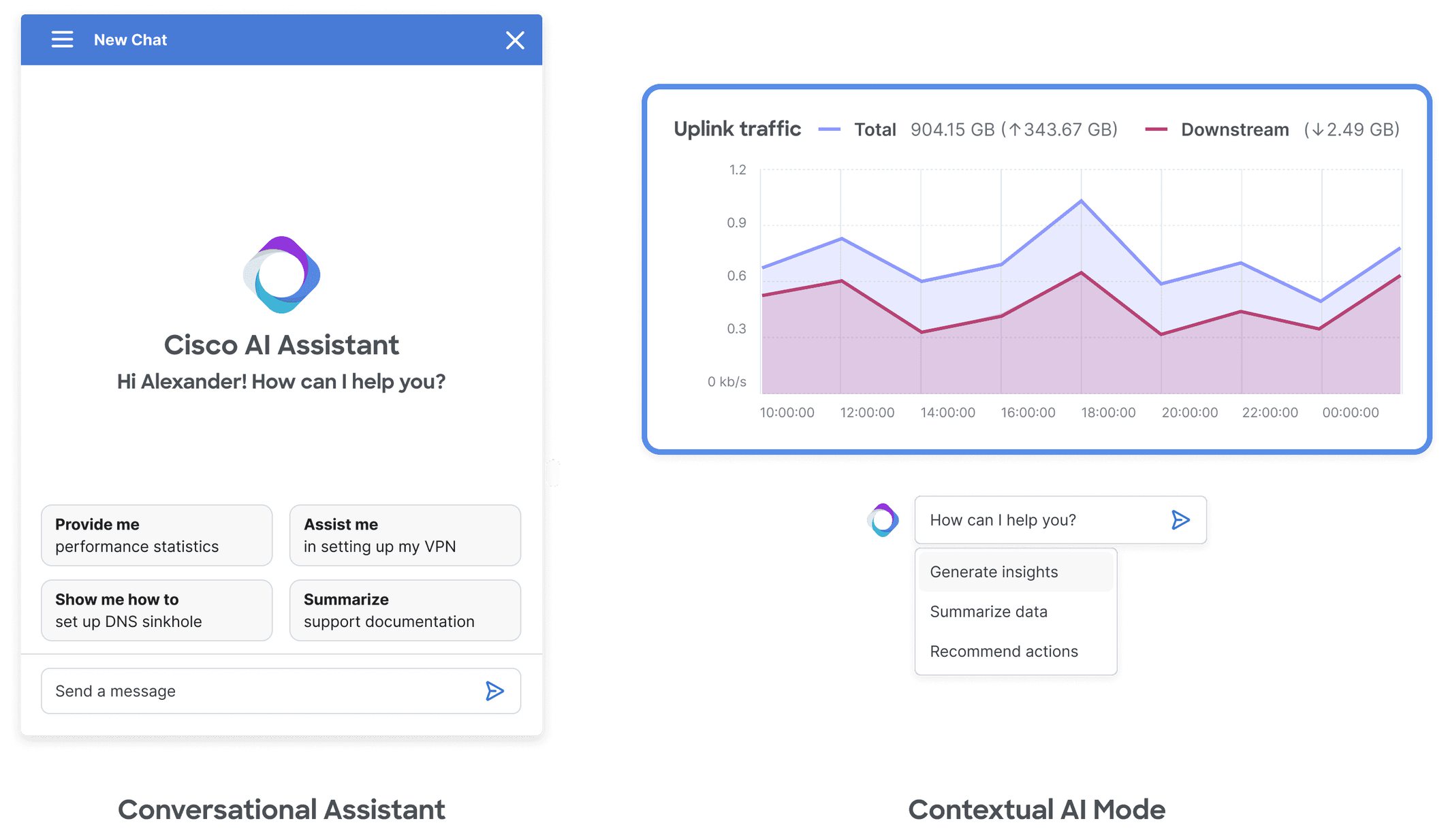
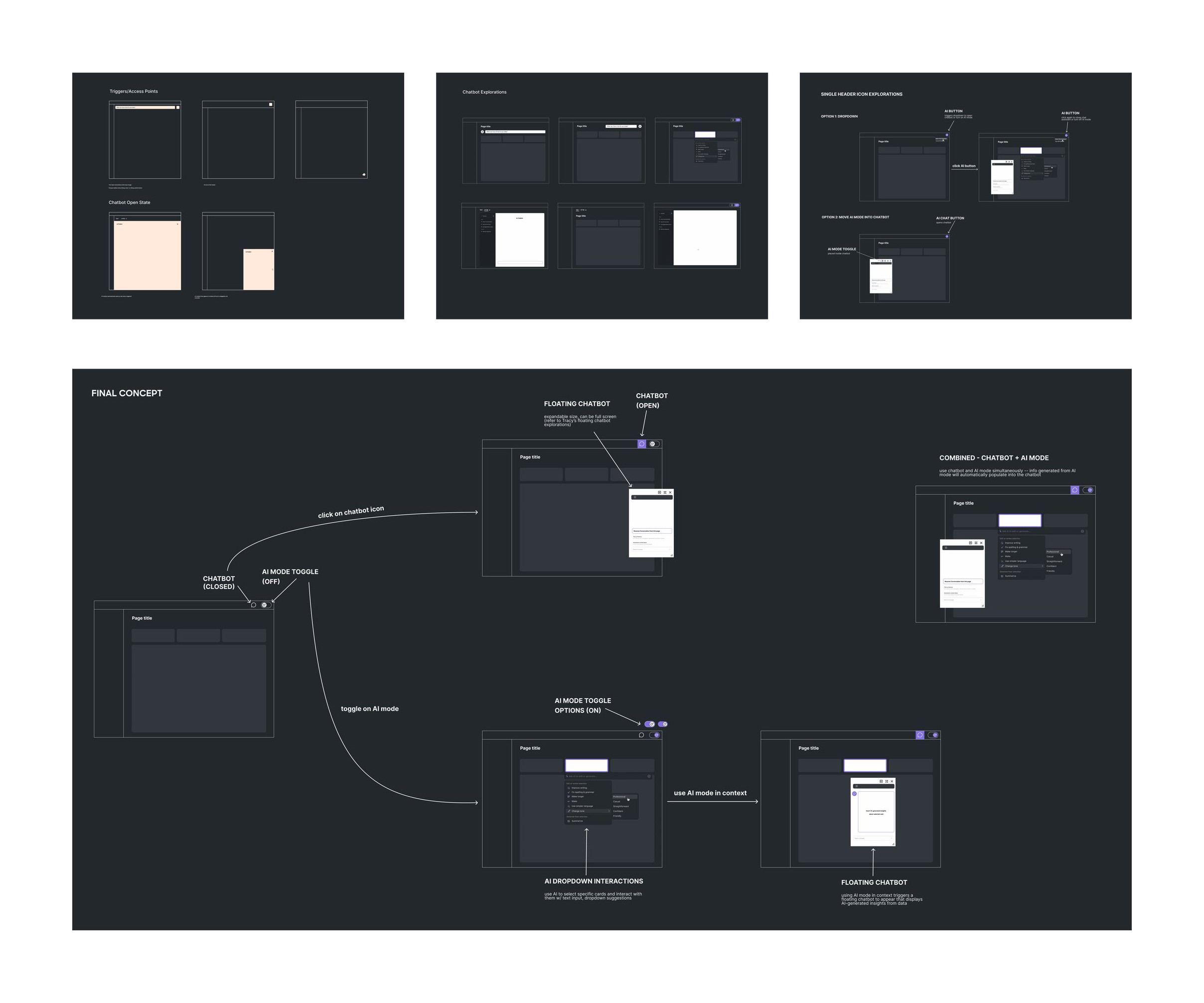
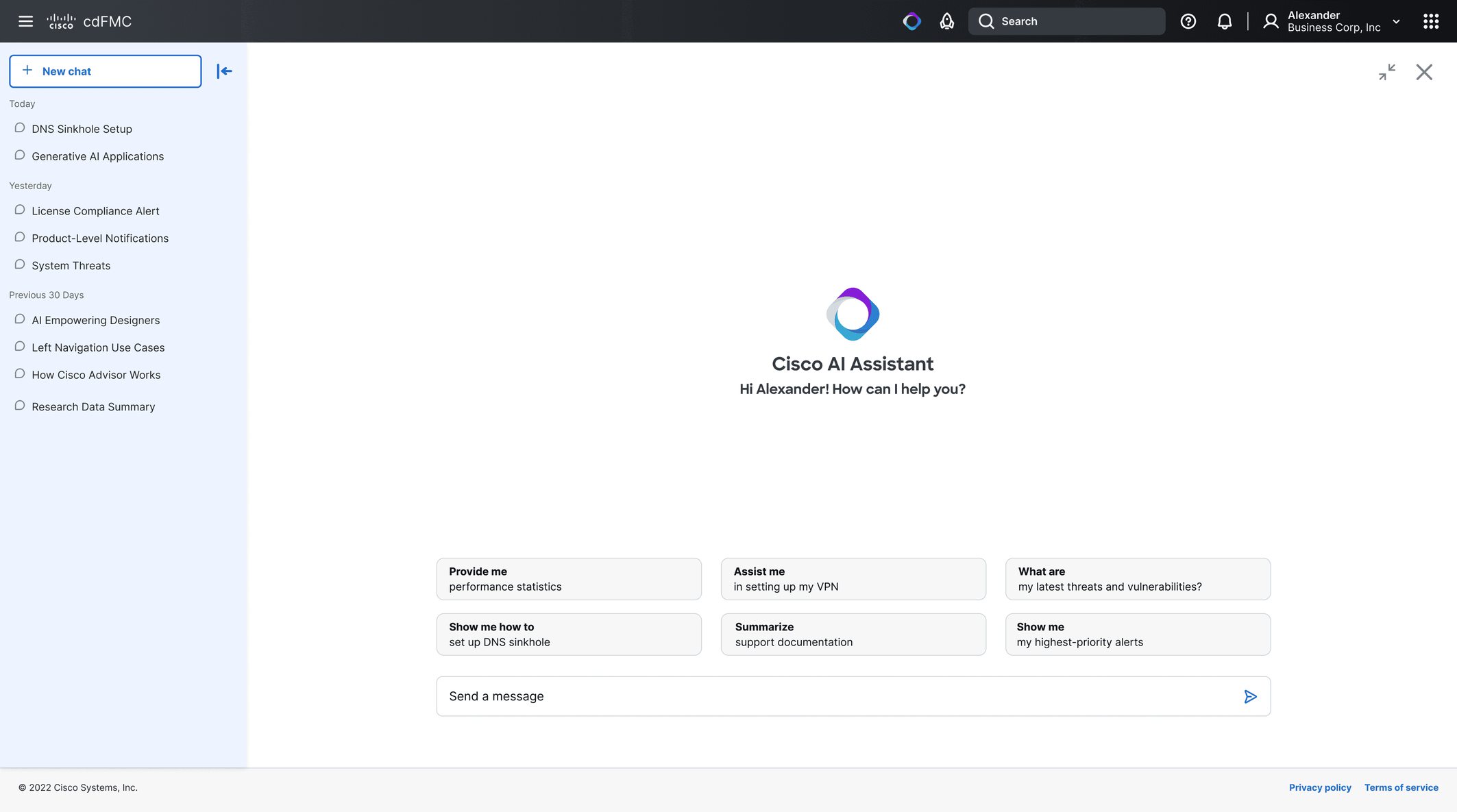
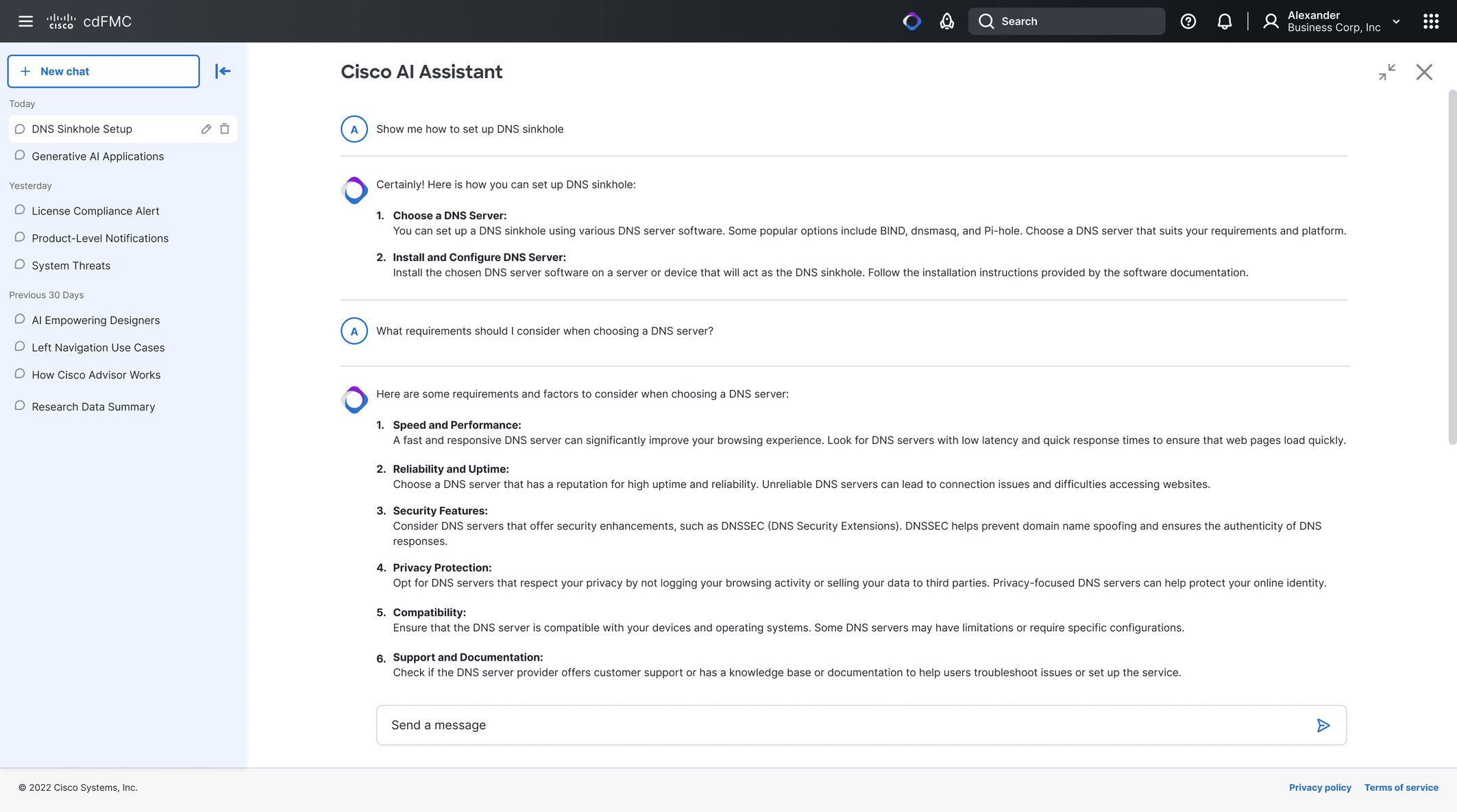
The system converged on three connected modes: header access from anywhere, a floating panel for quick questions, and a full-screen view for deeper work. Contextual AI Mode added one more behavior without another destination: select something on the page and ask about it in place.
Seven iterations, then the workshop
Across seven design-jam iterations, I refined the triggers, transitions, hierarchy, and visual language until the assistant could change shape without losing the conversation. The workshop then tested two key choices: a visible entry point and explicit control over AI Mode.
“It feels like part of the overall ecosystem, yet is distinctive enough to stand out on its own.”
Ileana Maleschuk
“Turning ‘ON’ AI Mode gives control to the user and makes the capabilities explicit.”
Rakesh Sharma
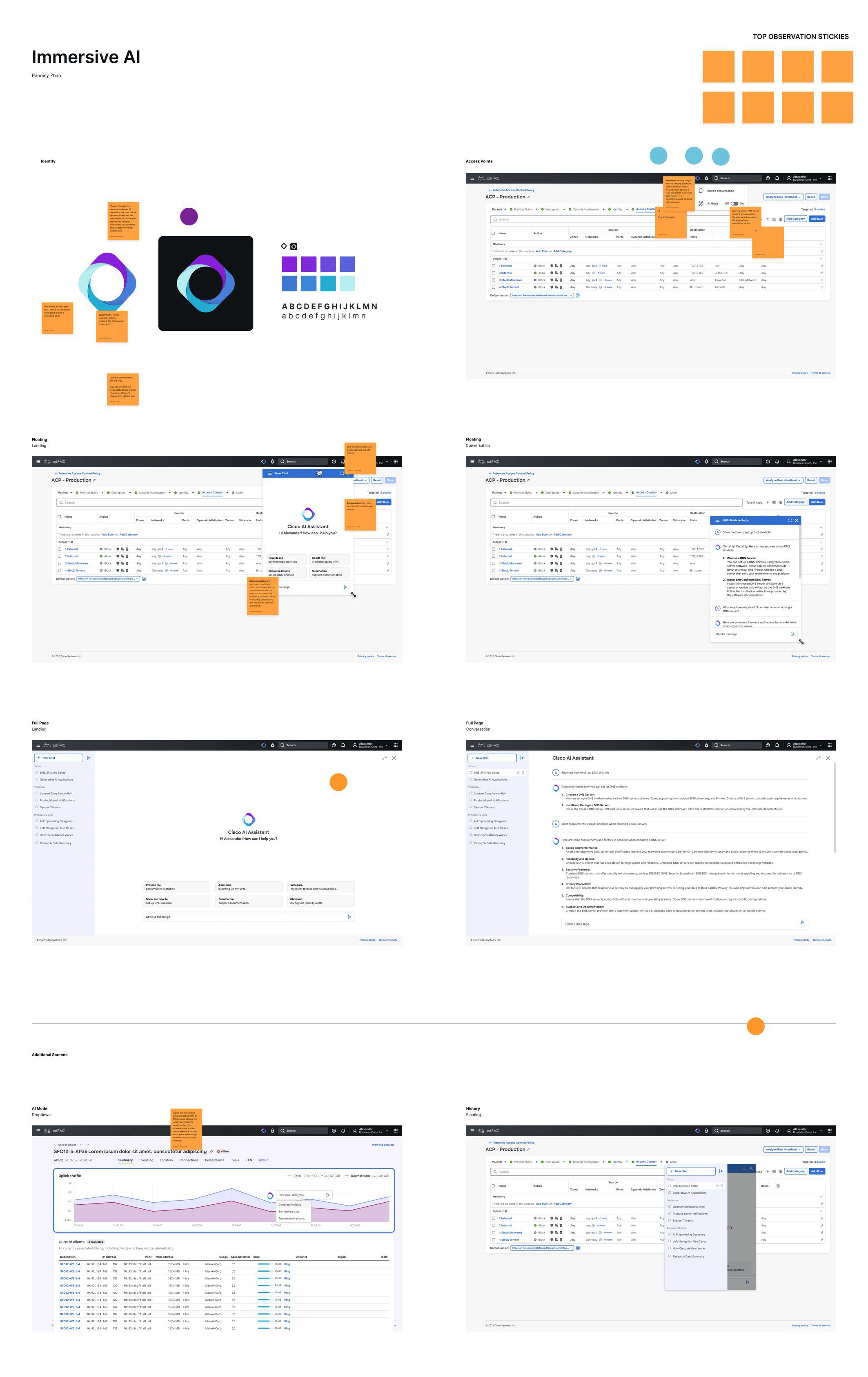
Start from anywhere
The assistant lives in the header, where it is available from every page but stays out of the way until it is needed. Opening it reveals a menu of AI actions and leaves room for new capabilities to be added later.
Ask the page, not a blank prompt
In AI Mode, any card can become the context for a question. The user selects a chart, asks in place, and sees the answer beside its source—making the model’s scope visible before deciding whether to trust it.
Let the conversation take the space it needs
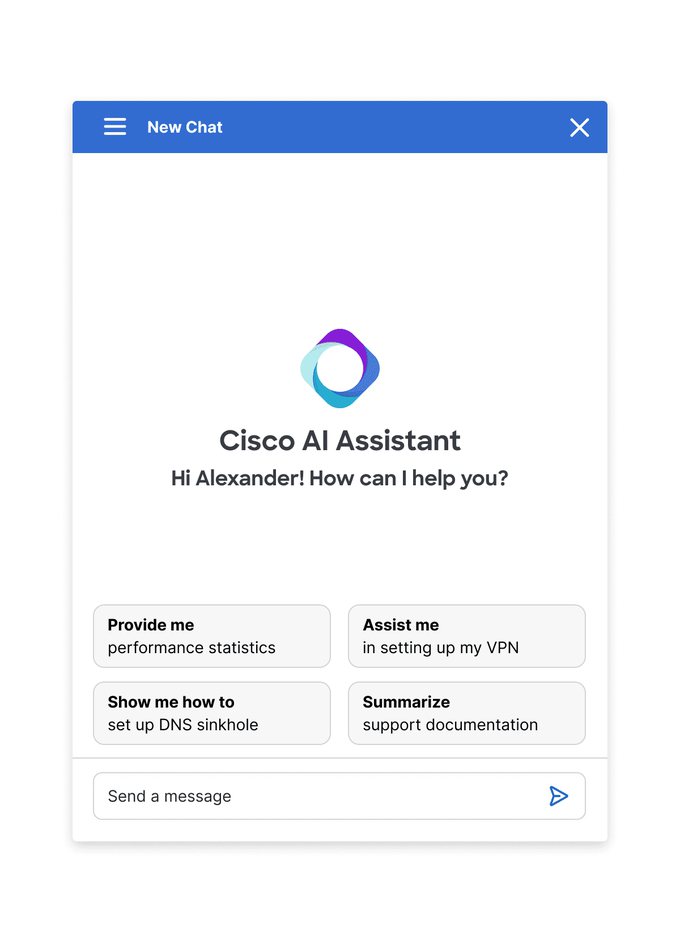
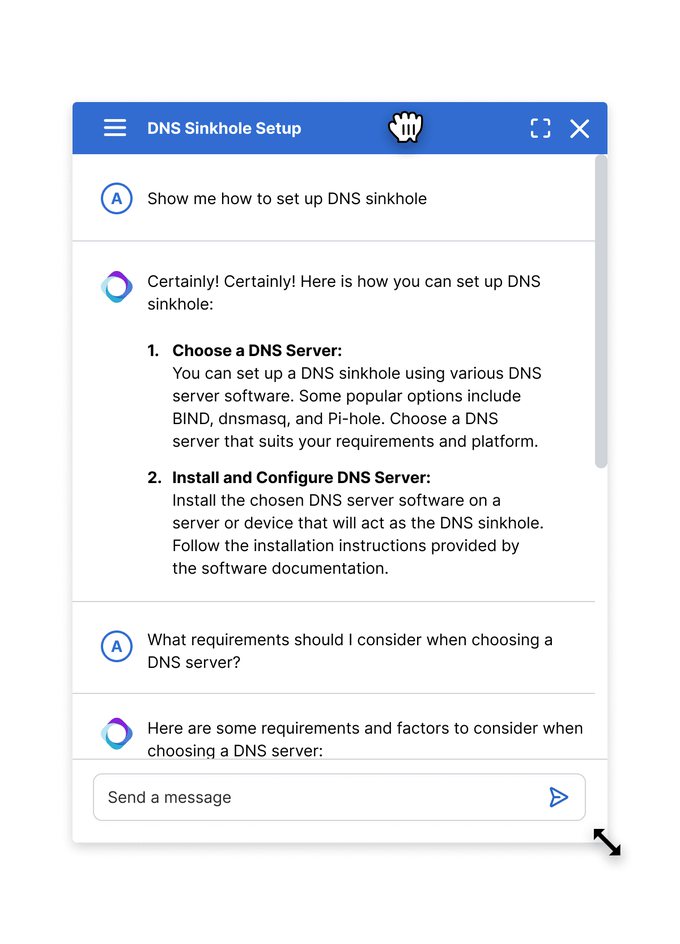
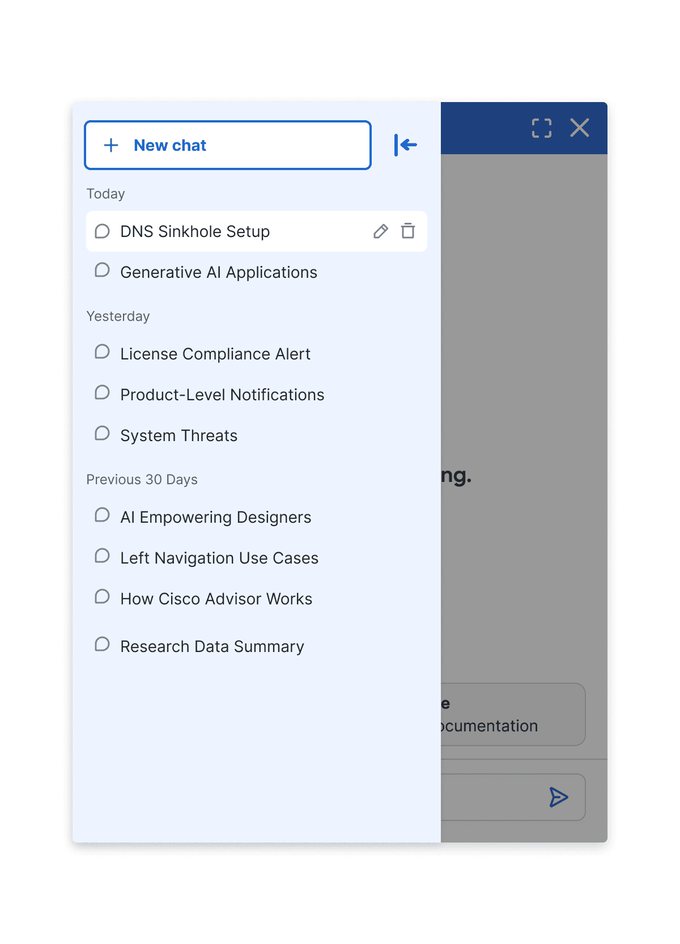
Quick questions open in a draggable, resizable panel over the current page. When the conversation becomes the task, the same thread expands into a full-screen workspace—without copy-pasting context or starting over.
New enough to signal AI, familiar enough to trust
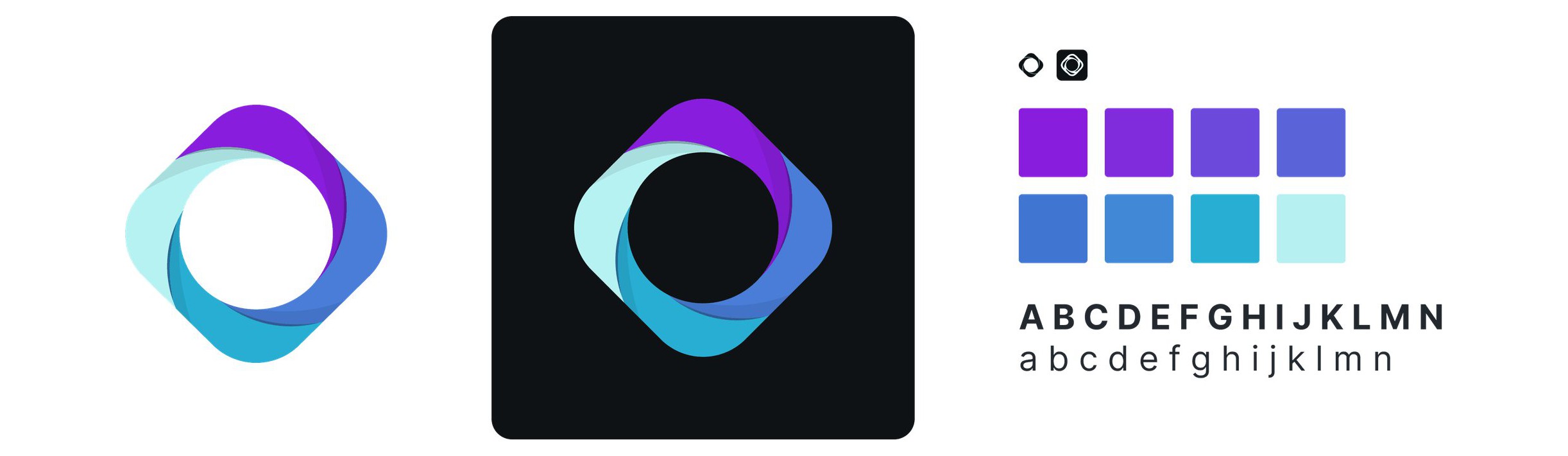
The mark combines an interconnected sparkle with Cisco blue and a restrained shift toward purple. It gives the assistant its own presence while staying grounded in the Magnetic design system.
Selected for the next phase
Cisco selected my direction as the foundation for the next phase, carrying forward its core system: universal header access, contextual AI Mode, and an assistant that moves from floating to full screen.